![side_logo.png]](/theme/site/shared/images/side_logo.png)
Sign a form someone sent you
When someone asks you to sign a form, open the request, read the form and sign it on the web or in the phone app.
Try it free Start with Safety Evolution's Free version.
Someone in your company can ask you to sign a form, for example a toolbox talk or a safe work procedure. You read the form, then sign it with your name and signature. You can sign on the web or in the phone app.
How you know you've been asked
- A notice in Safety Evolution: "name asked you to sign form name".
- A push on your phone titled Document To Sign.
- An email, if you have email turned on for Documents To Sign.
Sign on the phone
- At the top of the app, tap the bell (Feed).
- Under New, tap the request that says "asked you to sign".
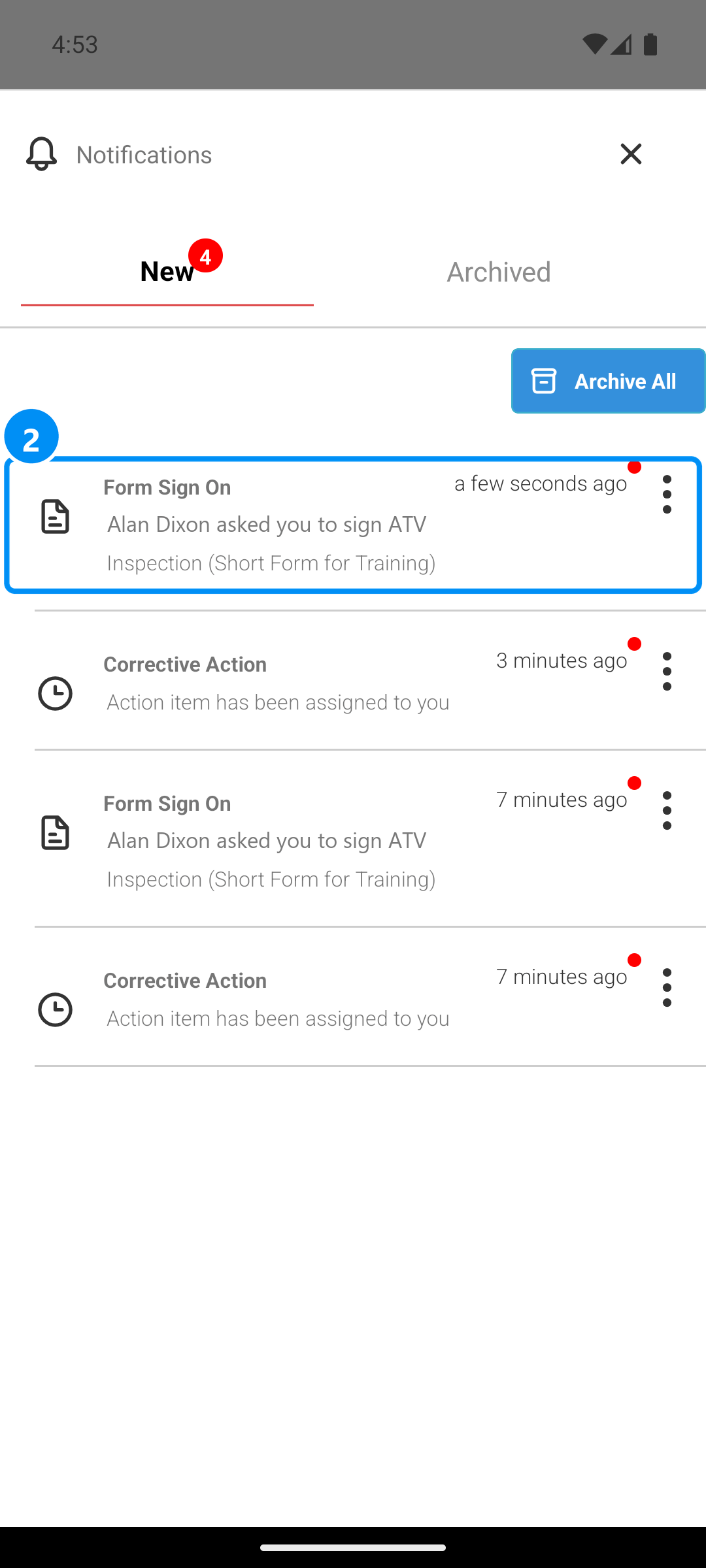
Tap the request in your Feed. - The sign window opens. It shows who sent it and their comment. Scroll through the form and read it.
- Check your name in Name.
- If you want, type a note in Comment.
- Sign with your finger in the Signature box. Tap Clear to start again.
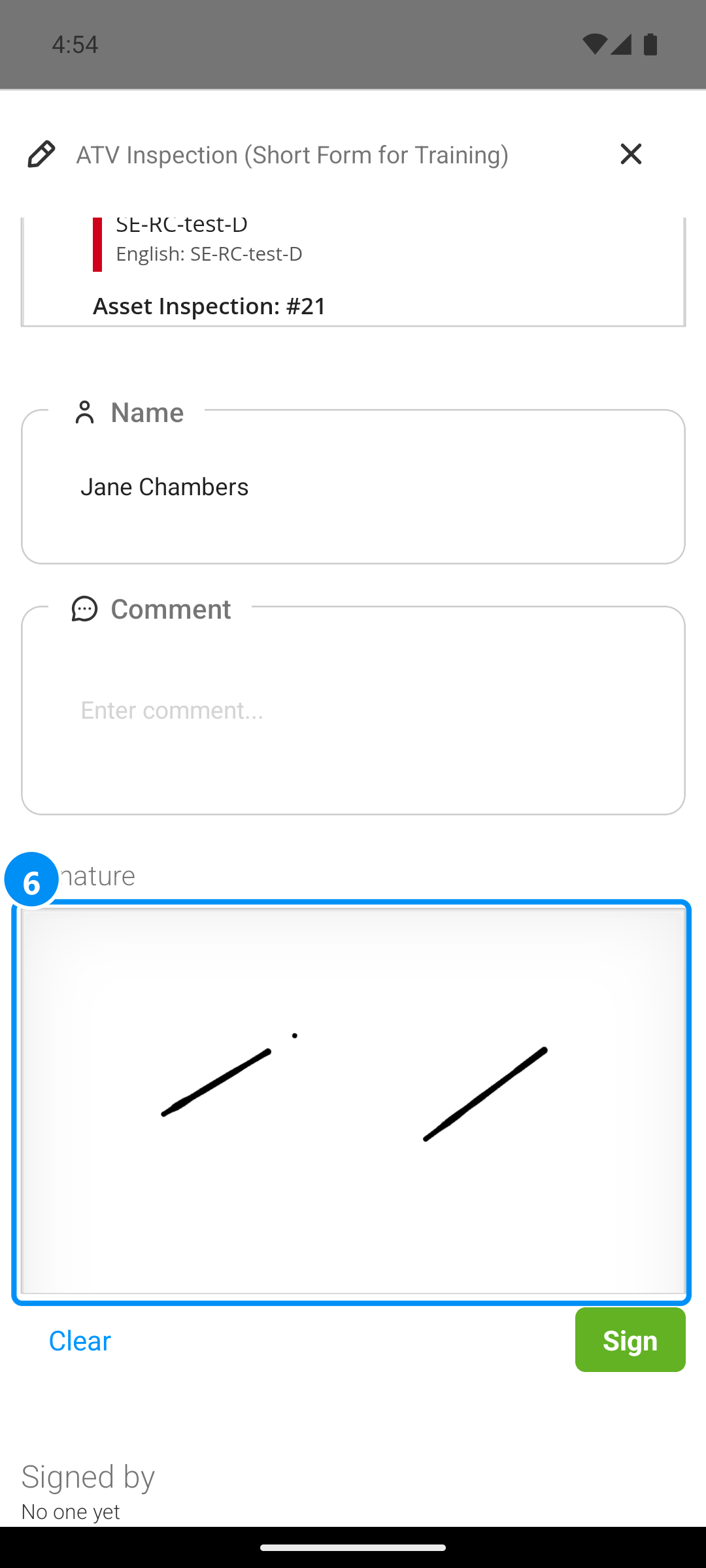
Fill in your name, sign, then tap Sign. - Tap Sign. You see "Signed." and the window shows "You signed this form."
Sign on the web
- At the top of the page, click the notifications bell.
- Click the request that says "asked you to sign". The Sign Document page opens.
- Read the form. It is shown below the sign box.
- Check your name in Name.
- If you want, type a note in Comment.
- Sign with your mouse or finger above Sign Above. Click Clear to start again.
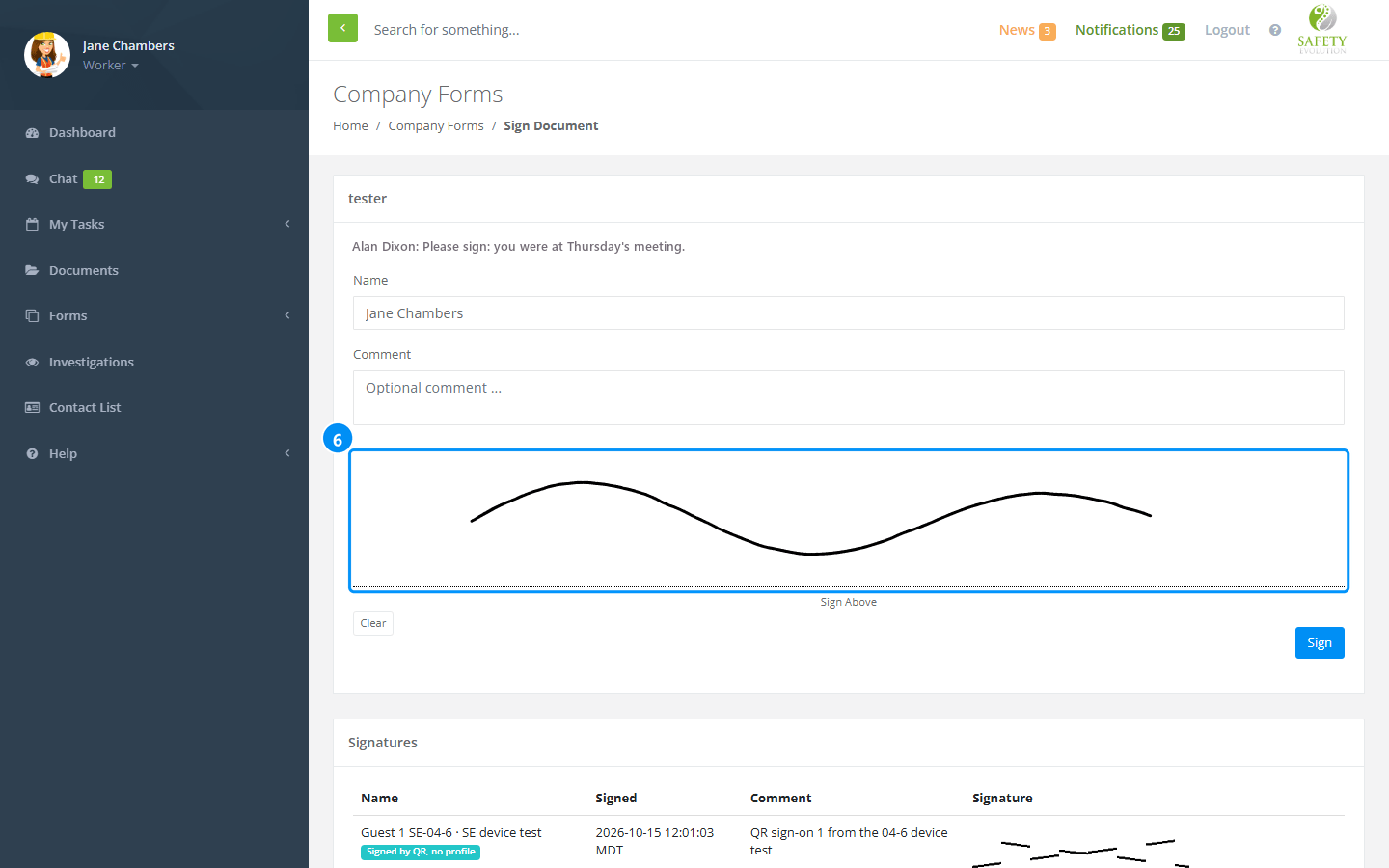
The Sign Document page. - Click Sign. You see "Document signed." The page now says "You signed this document on date and time."
Signing a draft
Sometimes you are asked to sign a form that is not handed in yet. On the phone you then see: "This form is still a draft and can change after you sign. Your signature covers it as it is now, and the time you signed is shown with it."
If something goes wrong
- "Please sign above before submitting." (web): draw your signature, then click Sign.
- Sign is grey on the phone: fill in your name and draw your signature first.
- "Failed to sign. Please ensure you are connected to the internet and try again" (phone): you need signal to sign.
- "The document cannot be shown here. Open it from the Form Archive to read it." (phone): the form did not load in the window. Read it from Form Archive, or on the web, then come back and sign.
- "You have already signed this document.": you signed it before. Nothing more to do.
Updated October 24, 2026