![side_logo.png]](/theme/site/shared/images/side_logo.png)
Analytics
Open the Analytics page to see your company's safety reports, move between report pages, print them or show them full screen.
Try it free Start with Safety Evolution's Free version.
The Analytics page shows reports built from your company's safety data, such as incidents, training and equipment. Safety Evolution sets the reports up. Each company sees only its own data.
Before you start
- For owners, designates, admins and auditors.
- The Analytics item shows in the left menu only once reports are set up. If you don't see it, contact Safety Evolution support.
Open your reports
- In the left menu, click Analytics. The reports load on the page. This can take a few seconds.
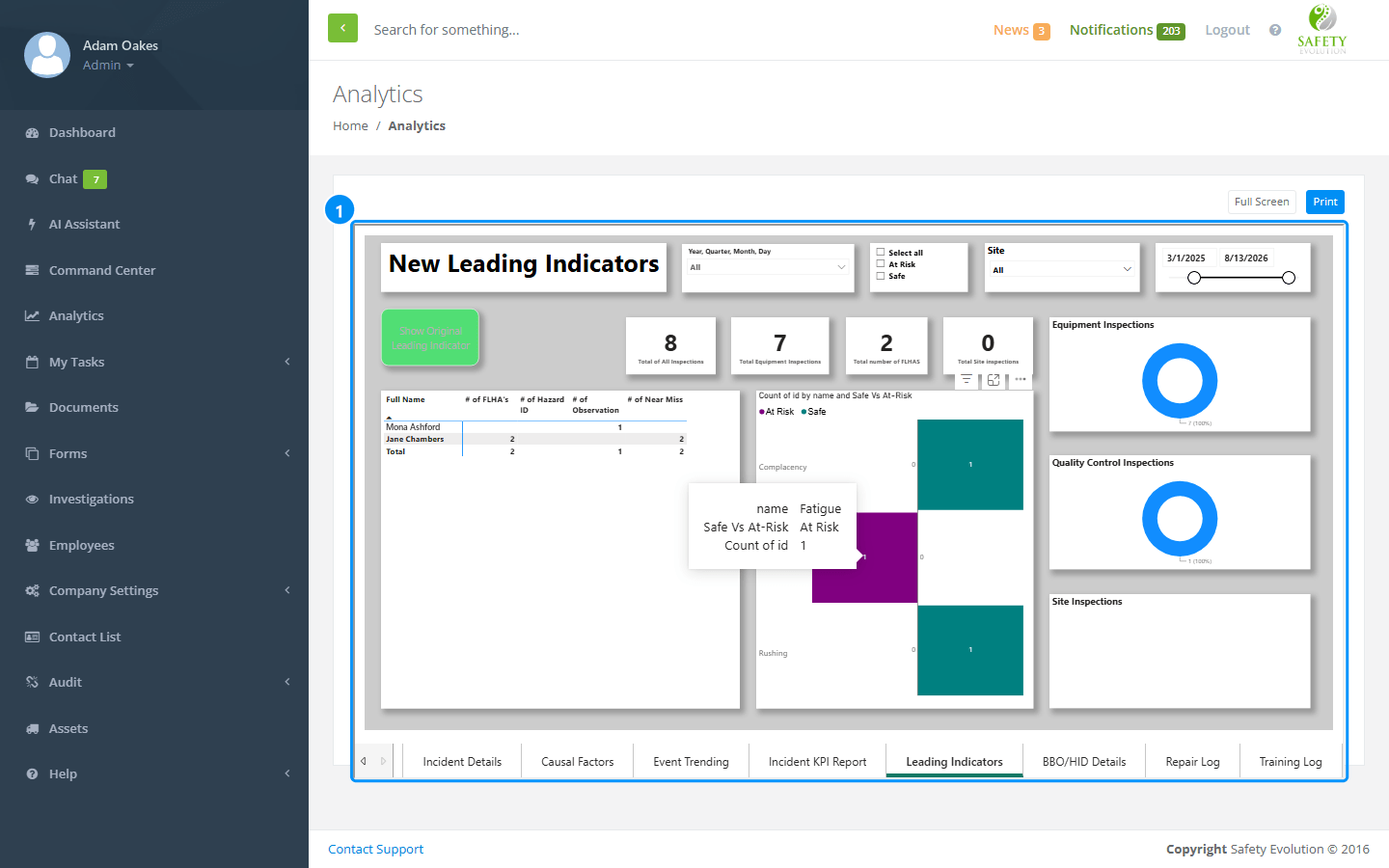
Your company's reports, with Print and Full Screen at the top. - To move between report pages, click the page names on the report.
- Point at a chart to see its numbers. Click a bar or a slice to filter the other charts on that page.
Print or show full screen
- Click Print to print the report or save it as a PDF from the print window.
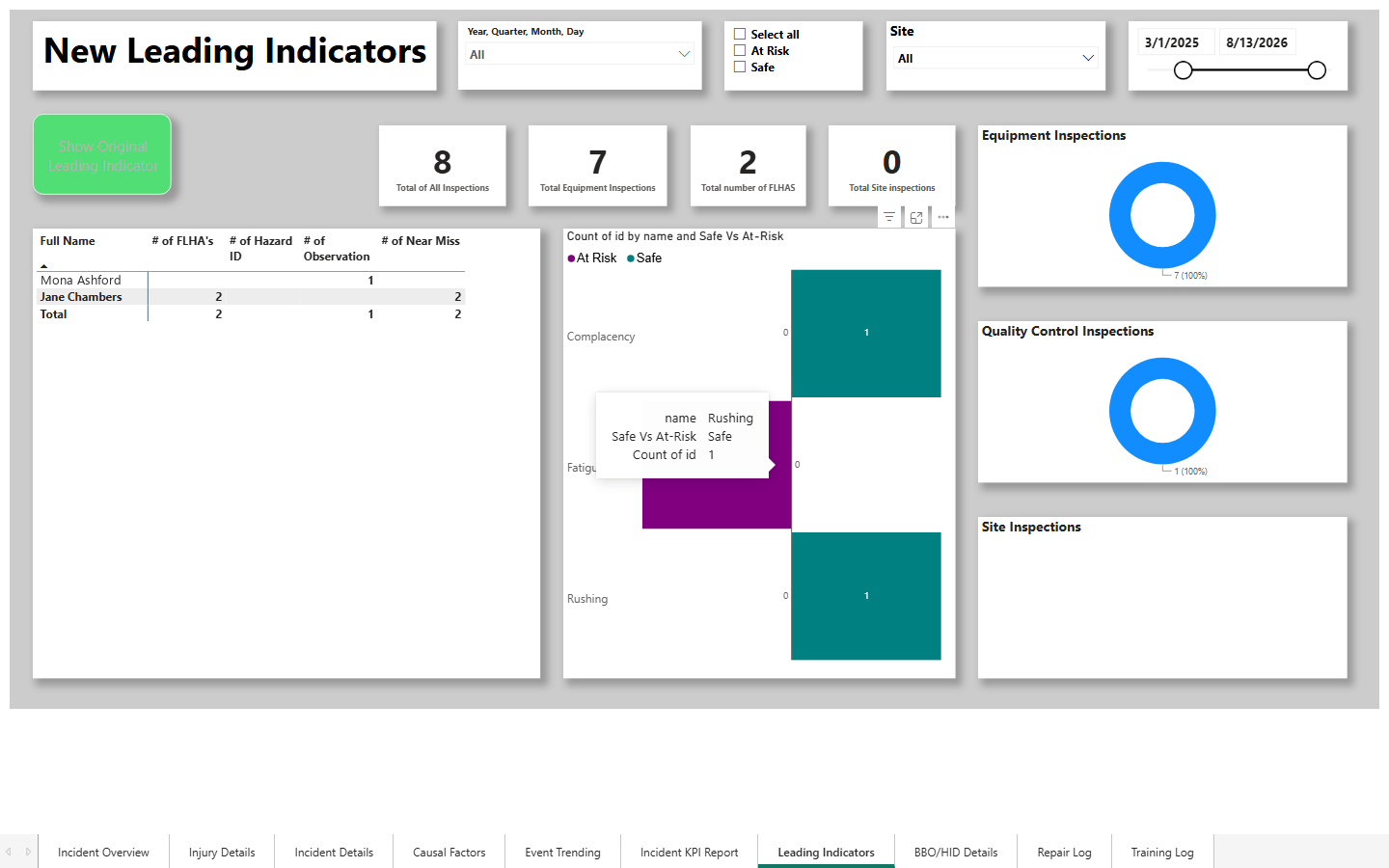
- Click Full Screen to show the report on the whole screen, for example at a safety meeting. Press Escape to leave full screen.
If something goes wrong
- A report is blank or shows an error: refresh the page. If it still doesn't load, use Help > Contact support or Report a bug.
- You want a different report: contact Safety Evolution support. Reports are set up by Safety Evolution.
Updated October 24, 2026