![side_logo.png]](/theme/site/shared/images/side_logo.png)
Find your drafts and handed-in forms
Find forms you started but have not handed in, and forms you already handed in, on the phone and on the web.
Try it free Start with Safety Evolution's Free version.
The phone keeps two lists. Drafts are forms you started but have not handed in. The Form Archive holds forms you handed in. On the web, the Company Forms page lists your forms.
Find a draft on the phone
- Tap the Forms tab.
- Your newest drafts show on the Drafts card under Recent Drafts. Tap one to keep filling it in.
- To see all your drafts, tap See all.
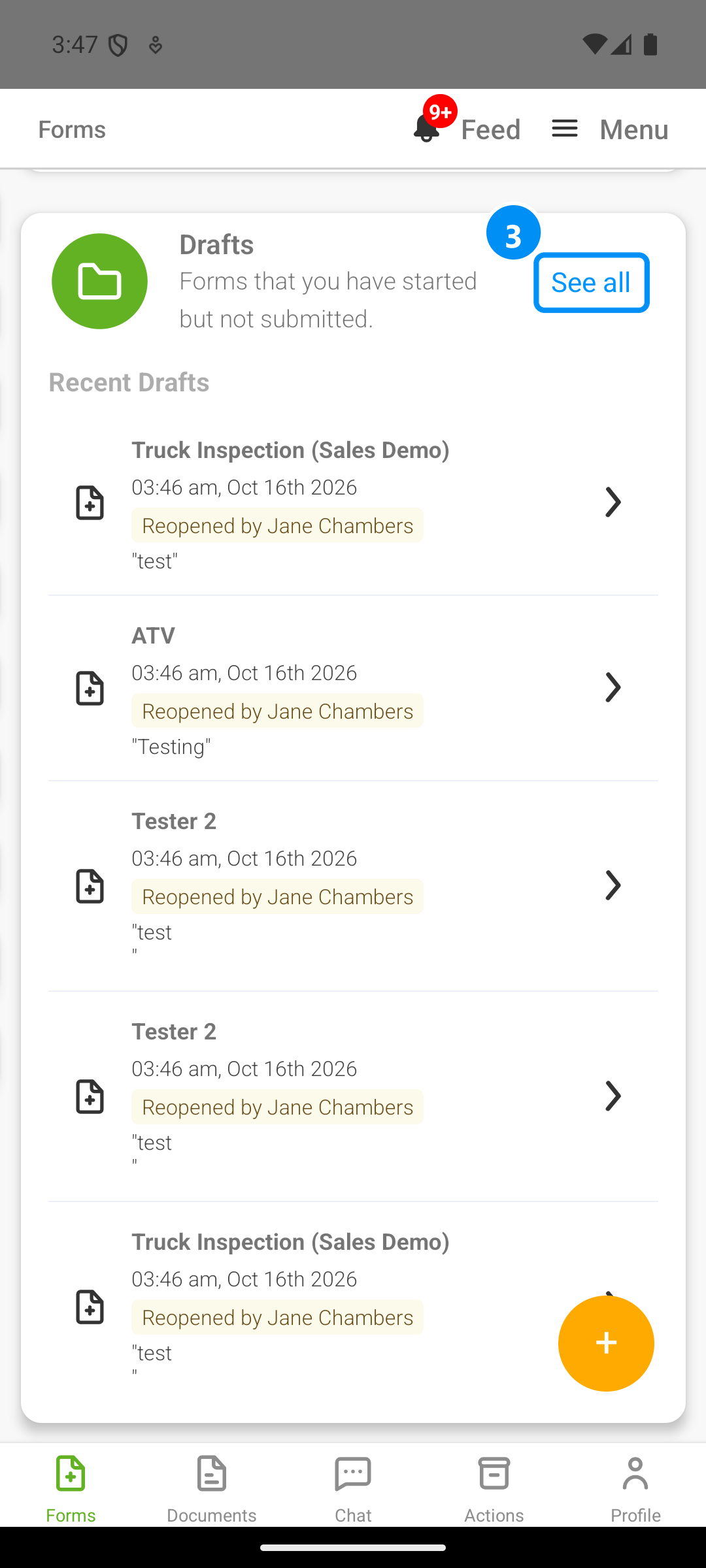
Your newest drafts are on the Forms tab. - On the Drafts screen, type in Search... to find a form by name.
- Tap a draft to open it.
Delete or copy a draft
- On the Drafts screen, tap the three dots on the right of the draft.
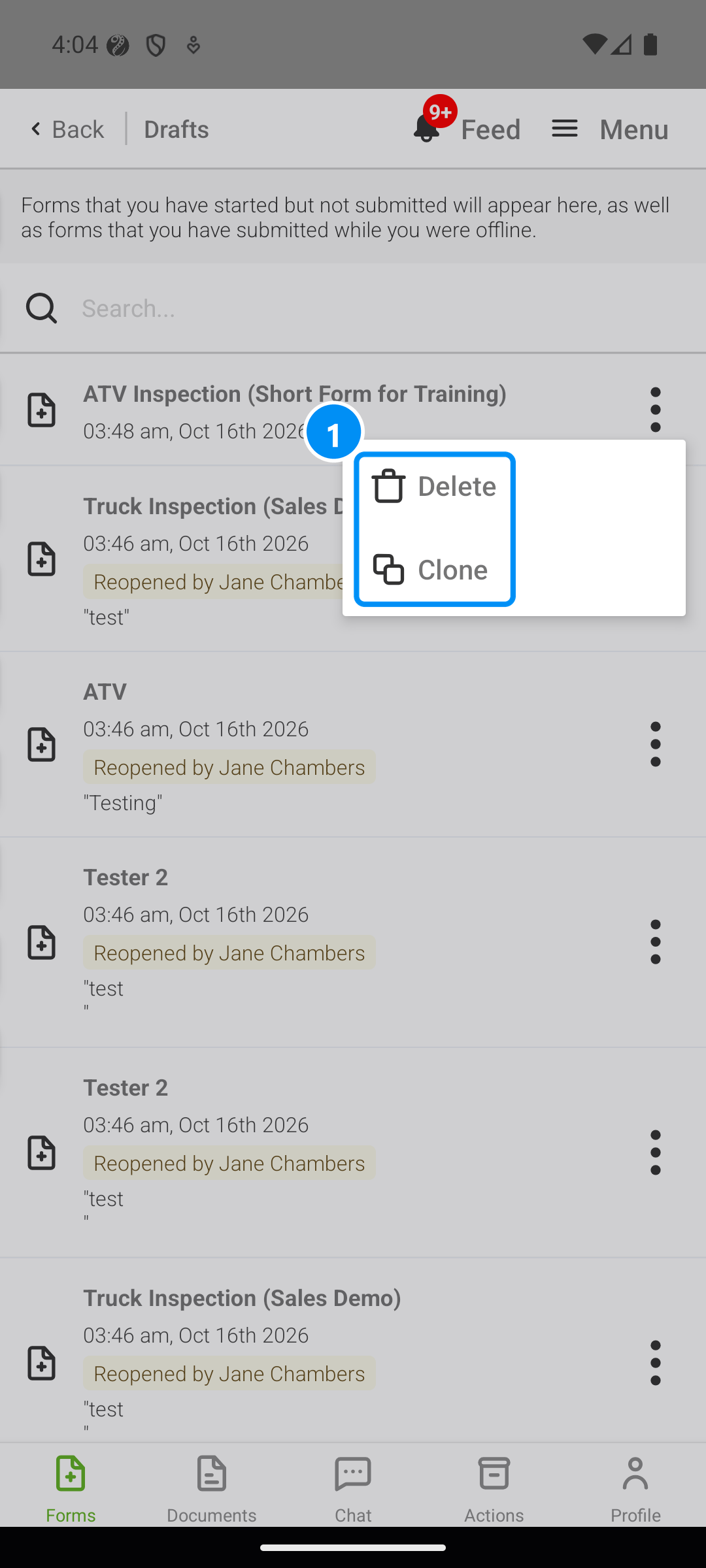
Each draft has Delete and Clone. - Tap Clone to start a new form with the same answers. The copy opens right away.
- Or tap Delete. The window asks Delete draft? Tap Delete to remove it, or Cancel to keep it.
Good to know about drafts:
- Drafts live on your phone. A form you started on the web or on another phone does not show here.
- Delete removes the draft from your phone only. If the draft was already saved to the office, the office still has that copy.
- A draft that says Reopened by and a name was sent back to you by the office. See When the office reopens, edits, hands in or voids your form.
Find a handed-in form on the phone
- Tap the Forms tab.
- Tap Form Archive. It lists the last 15 forms you handed in, newest first.
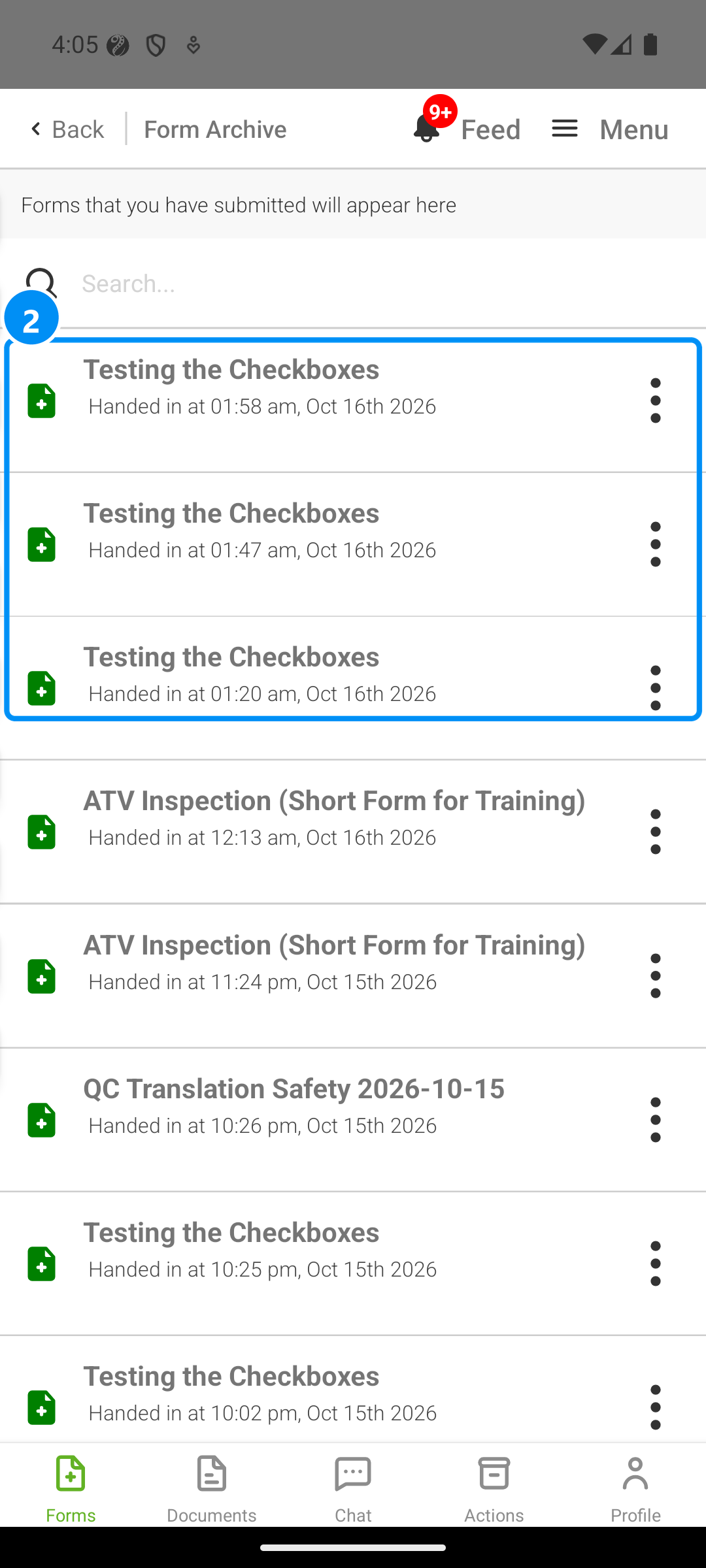
Each row shows when you handed it in. - Type in Search... to find a form by name.
- Tap a form to read it.
Share, reopen or copy a handed-in form
- In the Form Archive, tap the three dots on the right of the form.
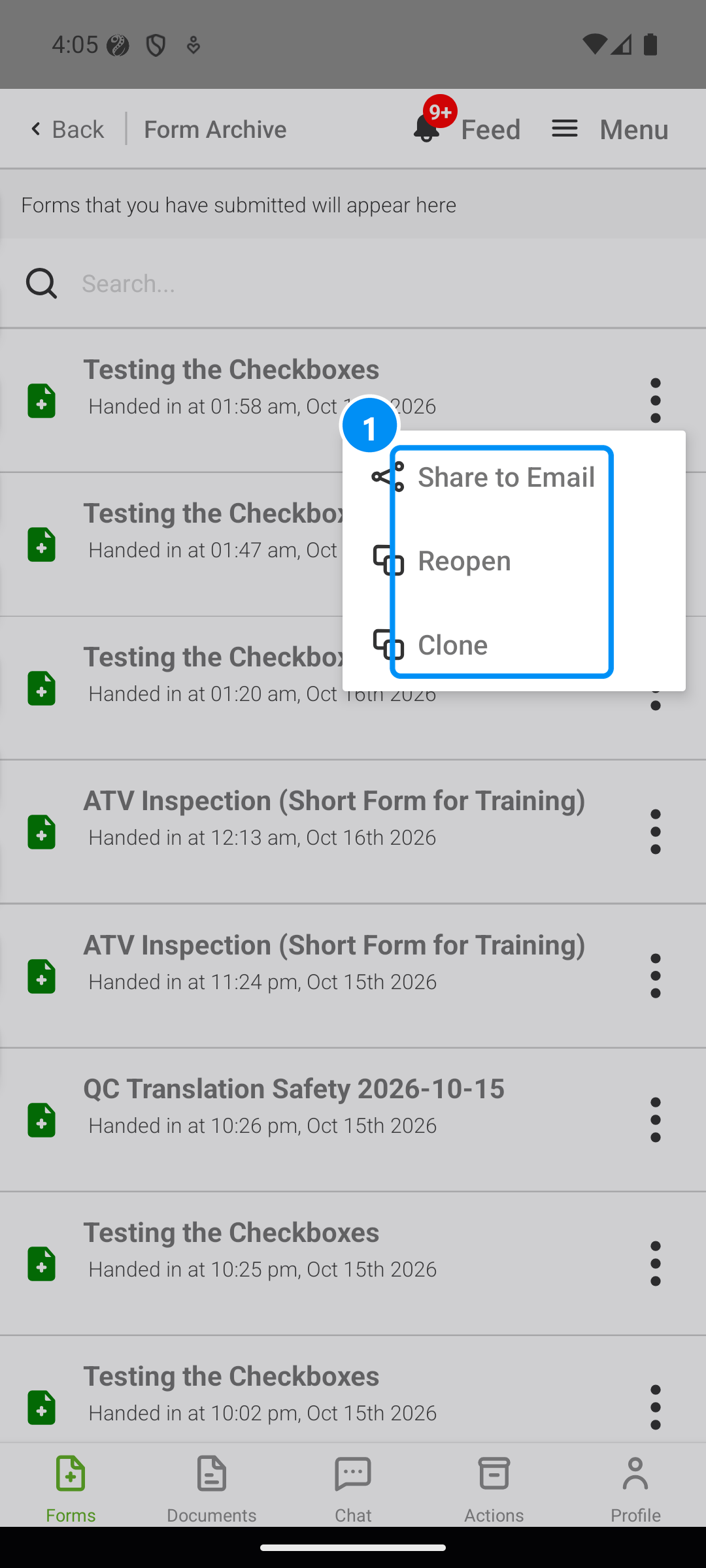
What you can do with a handed-in form. - Choose one:
- Share to Email: send the form to someone by email. See Share a form by email.
- Reopen: open the form so you can change it. Tap Hand In when you are done.
- Clone: start a new form with the same answers. Clone shows only if your company allows copying forms.
Before you reopen: when you hand a reopened form in again, the action items made from it are deleted and new ones are made from your new answers. Any notes, costs or files on the old action items are lost.
A row that says Handed in offline at has not reached the office yet. See Working with no signal.
Find your forms on the web
- In the menu on the left, click Forms, then Company Forms.
- The list shows your forms, newest first. Workers see only their own forms. Supervisors and the office see more.
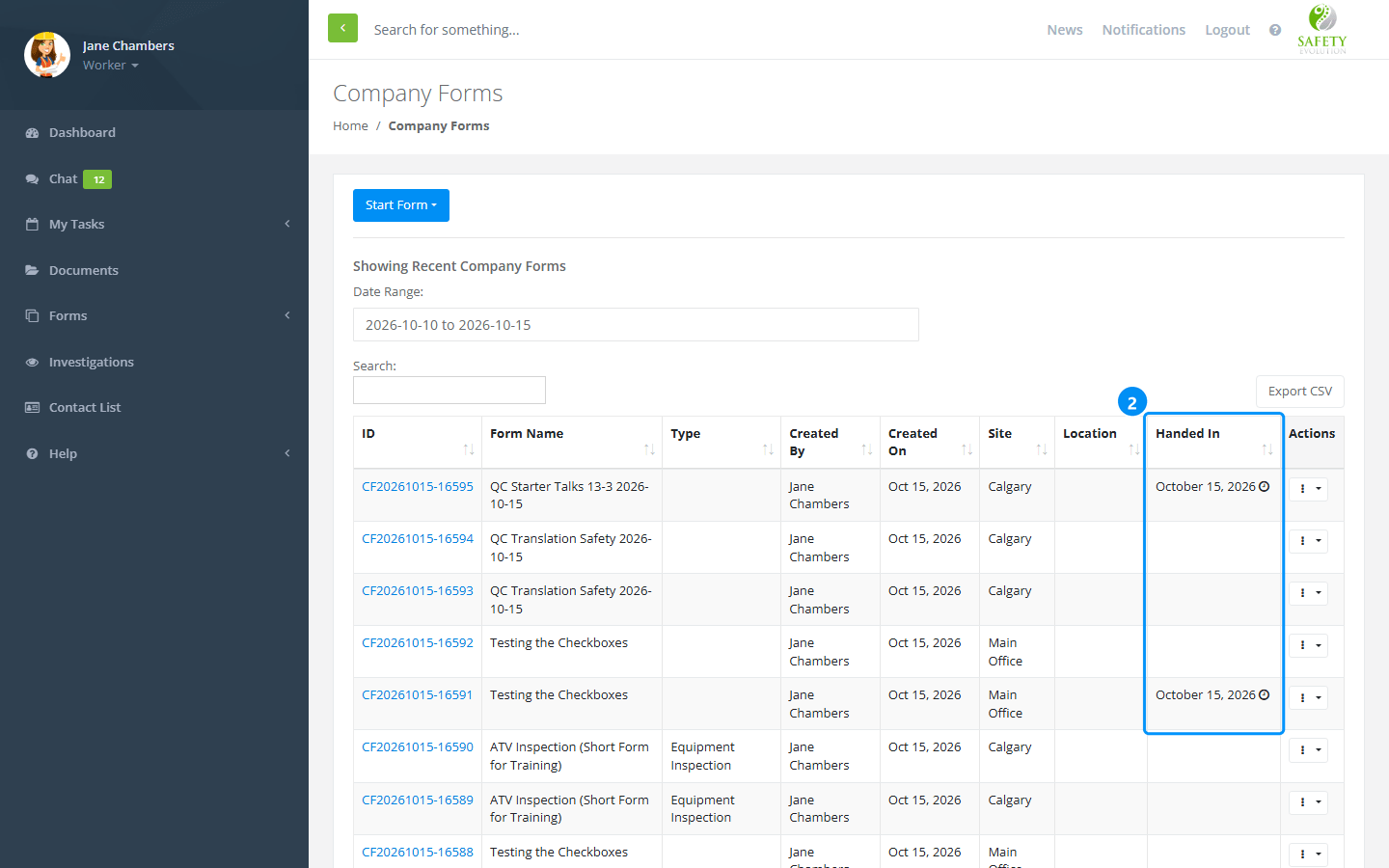
An empty Handed In date means the form is still a draft. - A form with no date under Handed In is still a draft.
- Click the form's ID to open it, or use the menu under Actions.
Updated October 24, 2026