![side_logo.png]](/theme/site/shared/images/side_logo.png)
Share an investigation report
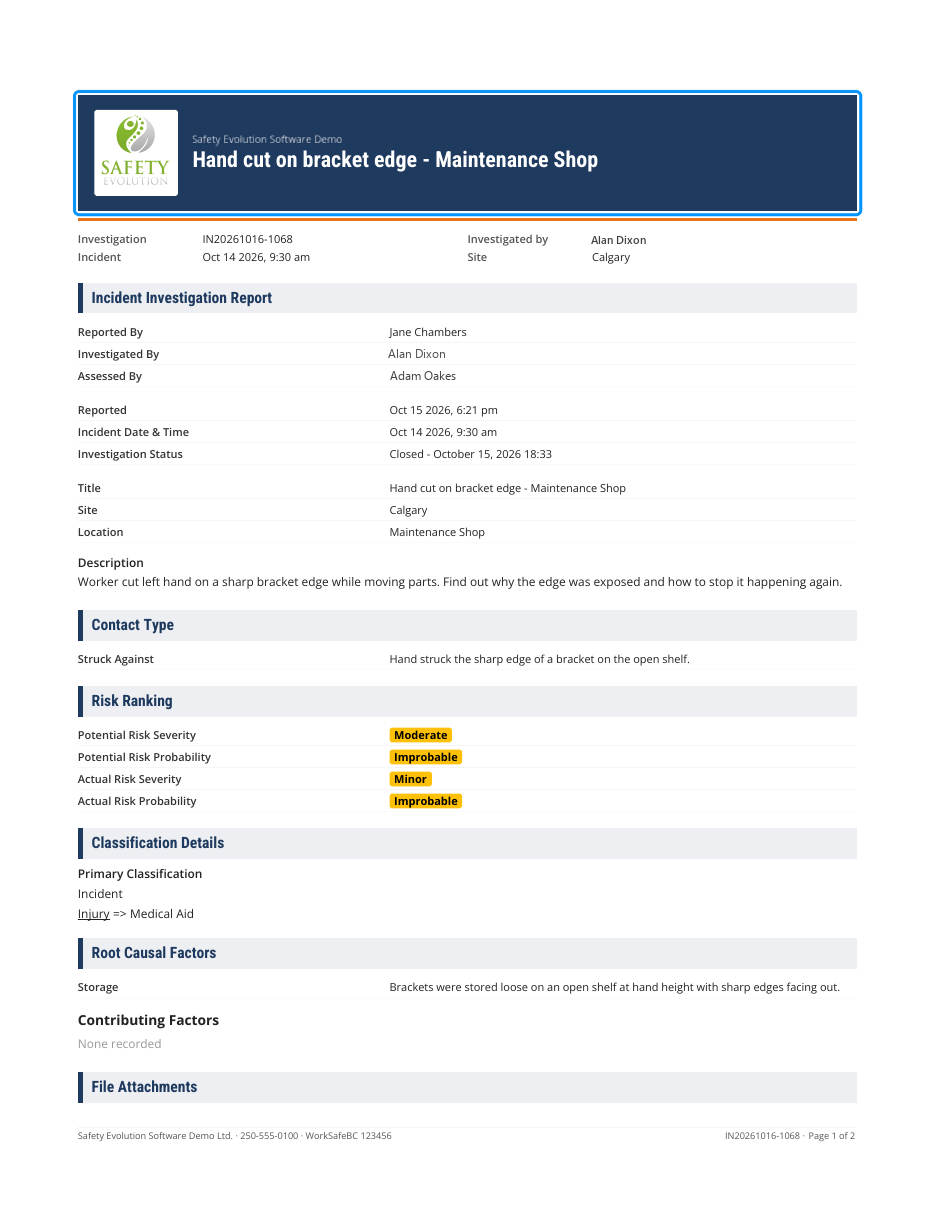
Download, print or email an investigation as a report in your company's brand, with its ratings kept in Safety Evolution's fixed colours.
Try it free Start with Safety Evolution's Free version.
An investigation report can be downloaded, printed or emailed in your company's brand: your logo, footer and page numbers. Risk, severity and probability ratings keep Safety Evolution's fixed colours, so they read the same for everyone.
Before you start
- For people who can open the investigation.
- This works on the web once Safety Evolution has turned branding on for your company. It is on every plan.
- A cancelled investigation can't be downloaded or printed.
Download or print the report
- Open the investigation by clicking its ID.
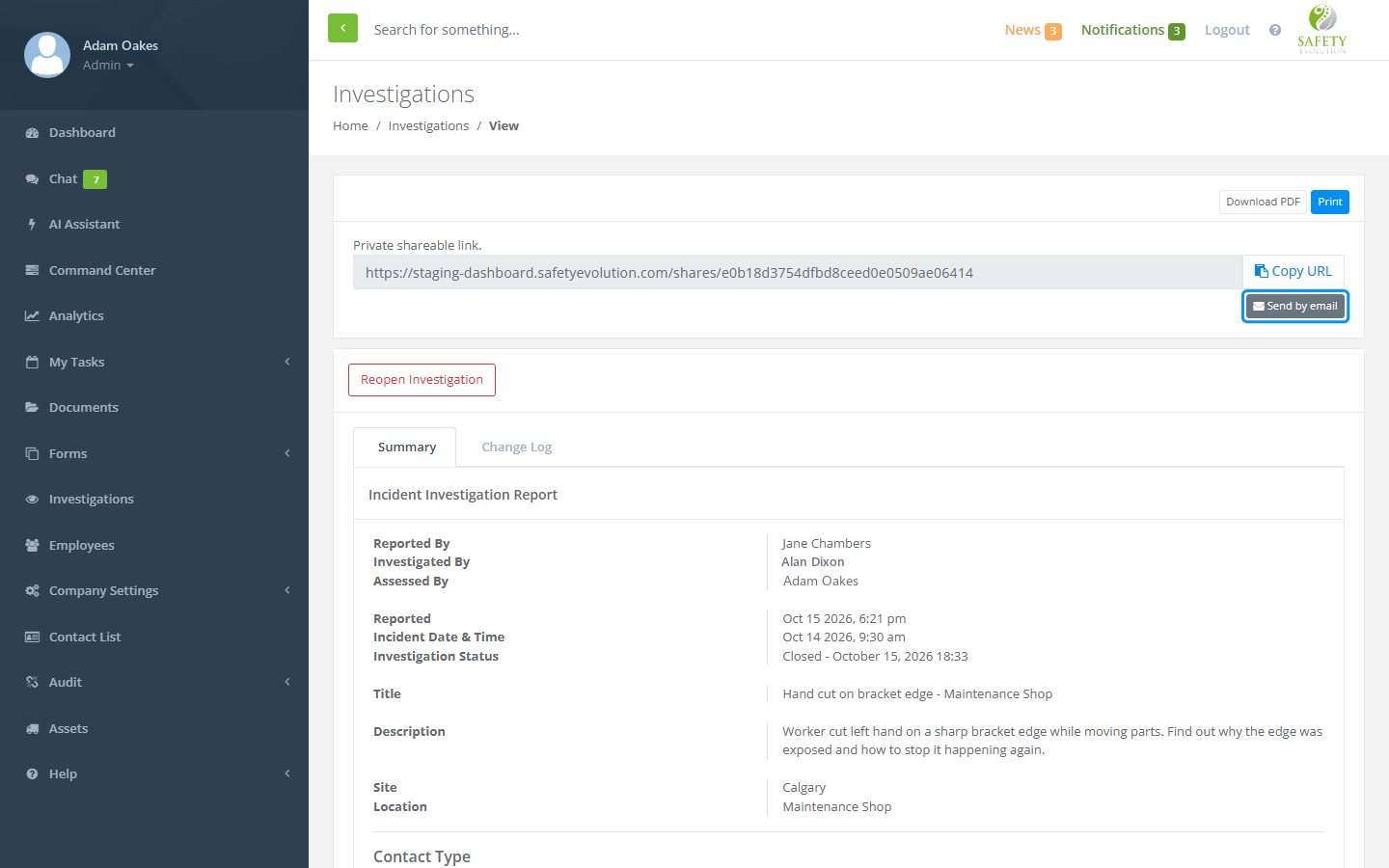
- Click Download PDF to save the report, or Print to open it and print it.
Send it by email
- Click Send by email. The window explains that the people you send it to get the investigation's private link, in your company's look, and its PDF.
- Type the email address and add it. Add a comment if you want.
- Click the send button. You see Investigation sent.
The email comes from [your company] via Safety Evolution, with your email as the reply-to. To share the link yourself, click Copy URL in the Private shareable link. box and paste it into your own email. Anyone with the link can see the report, so send it only to people who should.
Good to know
- Download PDF and Print use the investigation's private link. If you turn that link off, they stop working too, and show This link has been turned off or has expired.
- Action Item states in the report keep Safety Evolution's colours.
If something goes wrong
- "Not sent. Add a valid email address.": check the address and try again.
- No Download PDF or Send by email: Safety Evolution hasn't turned branding on for your company yet, or the investigation is cancelled. You can still use Print and the private link. See Review, close, reopen or cancel an investigation.
Updated October 24, 2026