![side_logo.png]](/theme/site/shared/images/side_logo.png)
Phone notifications: your Feed and push messages
Read and archive your notifications in the phone app's Feed, and see what each push message opens when you tap it.
Try it free Start with Safety Evolution's Free version.
The phone app tells you when something needs you: an action item to fix, a form to sign, a form the office sent back, a chat message. Notifications collect in your Feed. Push messages show on your lock screen even when the app is closed.
Before you start
- Allow notifications for Safety Evolution, or you won't get push messages. See Set up the phone app.
- The Feed needs signal to load new notifications.
Read your notifications in the Feed
- Look at the top of the screen. Feed has a bell. A red number on the bell shows how many notifications are new. Above 9 it shows 9+. While the app is open it checks for new ones every 30 seconds.
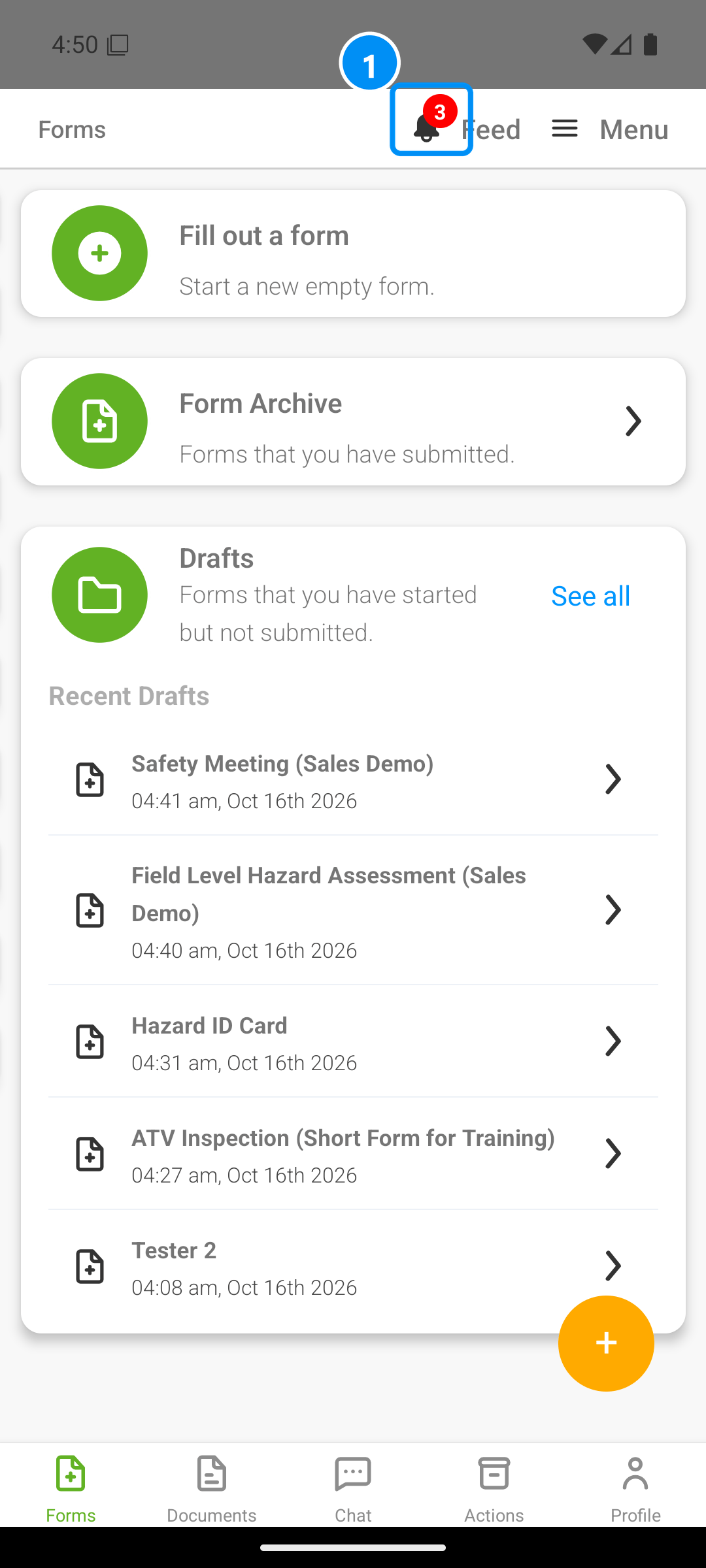
The red number is how many notifications are new. - Tap Feed. The Notifications window opens on New. Each notification shows what it is about, a short message and how long ago it came. A red dot means you haven't opened it yet.
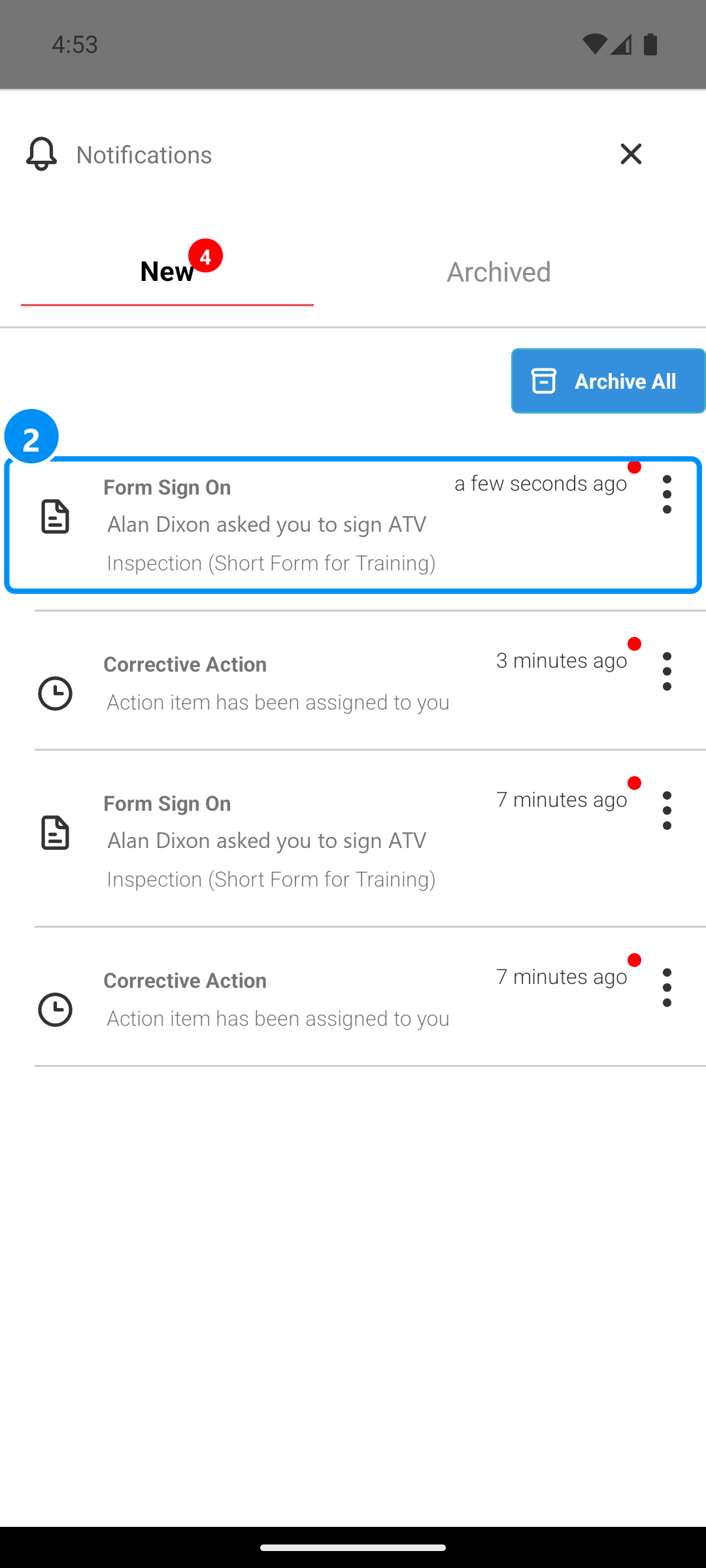
New notifications, newest first. - Tap a notification to open it:
- A request to sign a form opens the sign window in the app. Sign it there. See Sign a form someone sent you.
- Every other notification opens its page in your phone's browser.
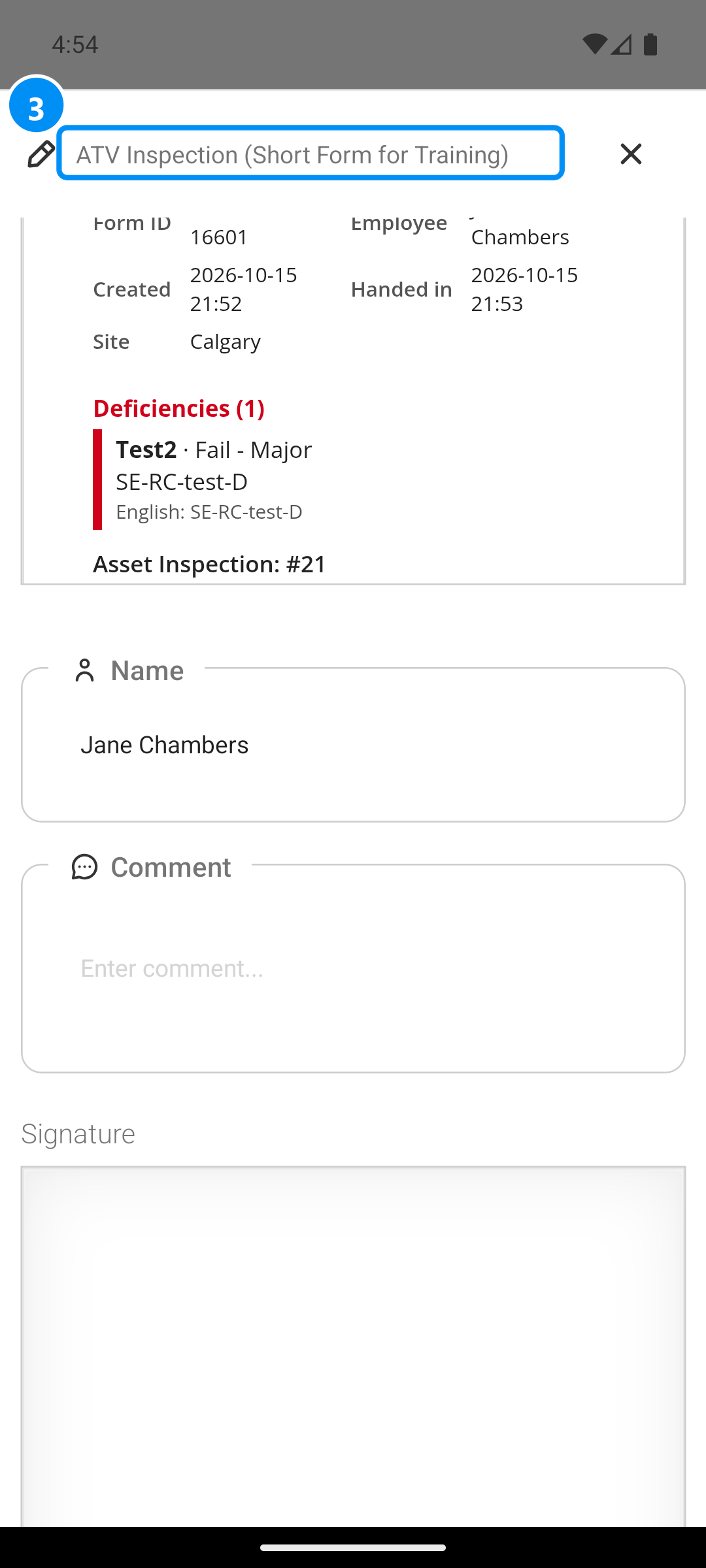
A sign request opens the sign window. - To see more, pull down on the list. It loads the newest notifications.
Archive notifications
Archiving clears a notification from New. You can still find it under Archived.
- To archive one, tap the three dots on its right, then tap Archive.
- To archive them all, tap Archive All at the top of New.
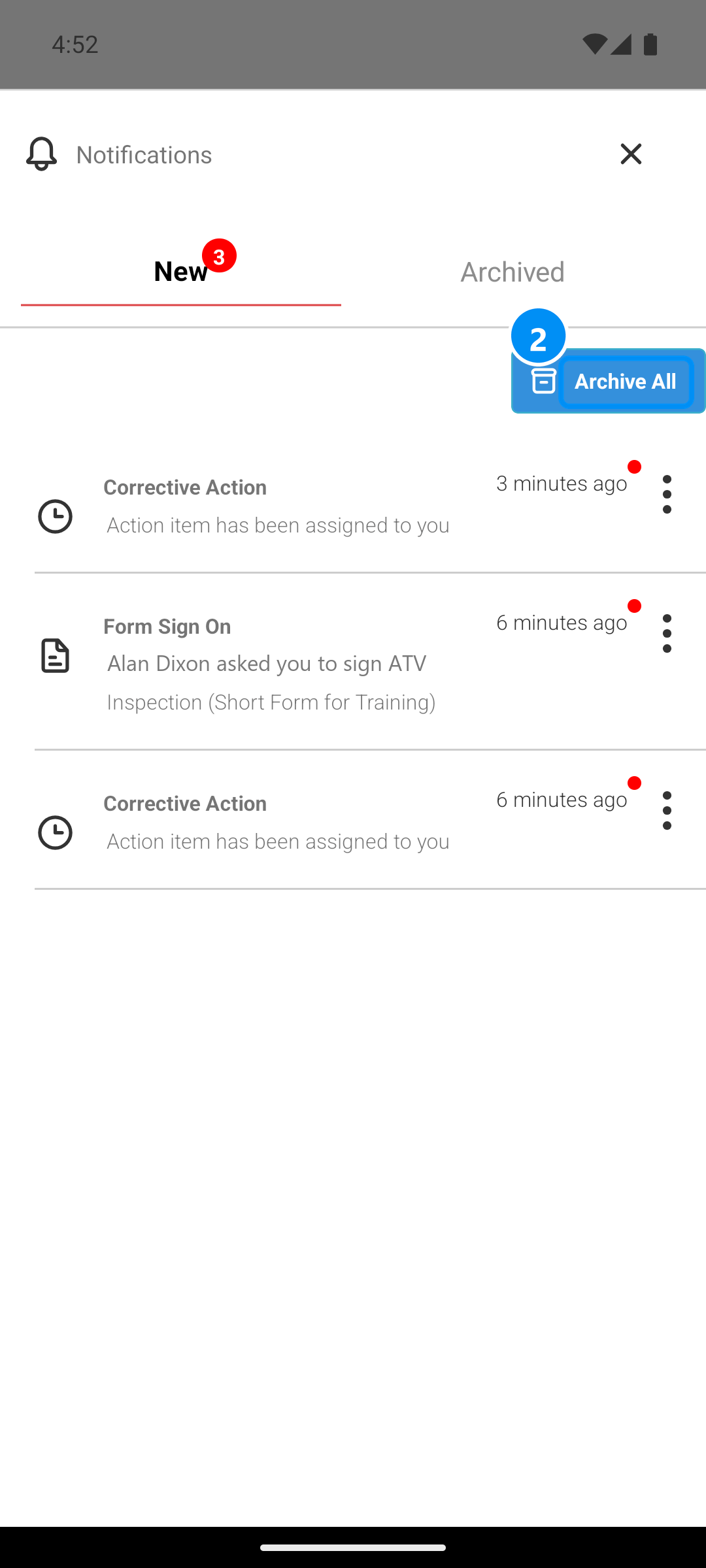
Archive All clears the New tab. - When nothing is left, New says You're all caught up!
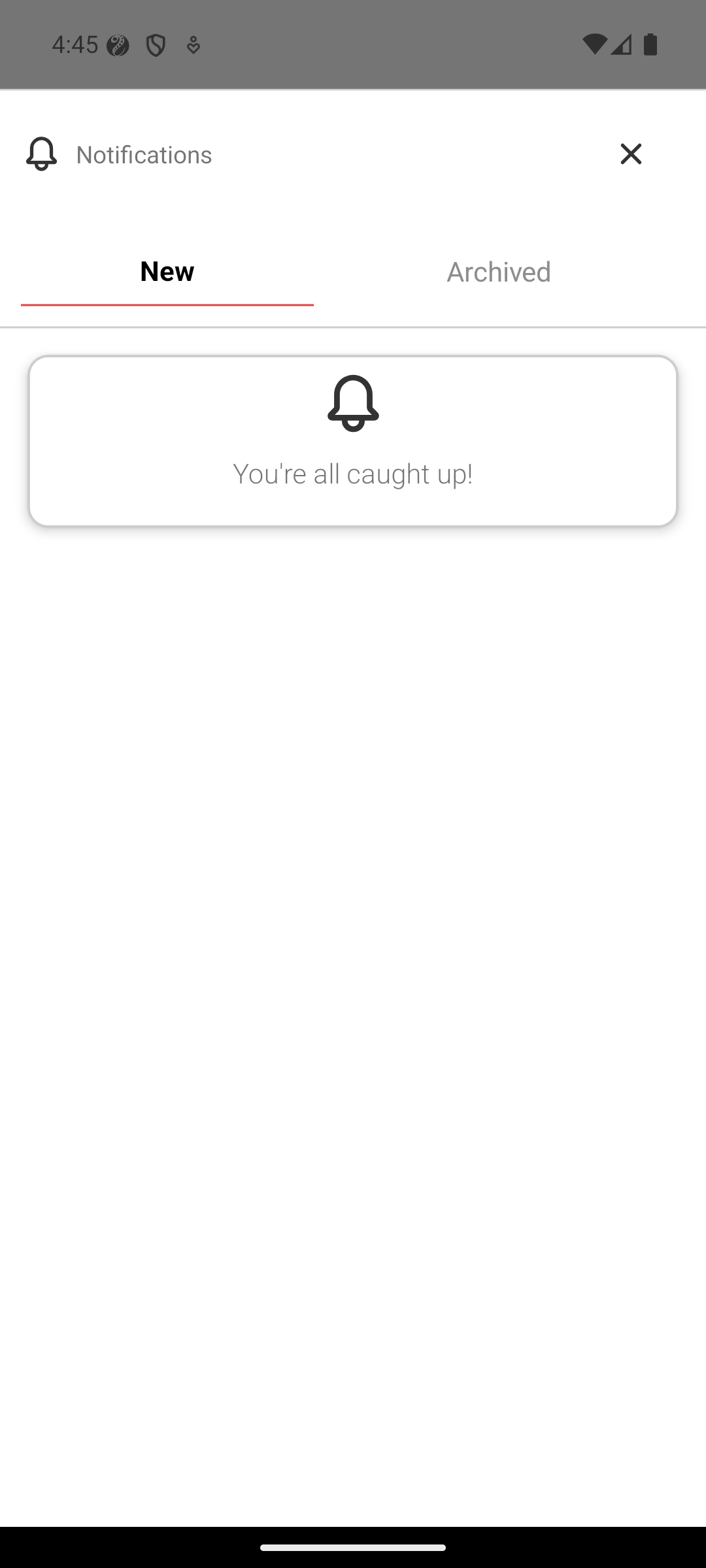
Nothing new. - Tap Archived to see older notifications. Scroll down to load more.
Push messages and what they open
A push message shows on your lock screen or at the top of the screen. Tap it to open the app.
| Push message | When you get it | What tapping it opens |
|---|---|---|
| Action Assigned: "An action has been assigned to you by" and a name | Someone assigns you an action item | That action item. See Fix an action item assigned to you. |
| A name, reopened, and the form's name, with the office's reason | The office sends one of your handed-in forms back to you | The form, ready to change and hand in again. See When the office reopens, edits, hands in or voids your form. |
| The sender's name and their message | Someone sends you a chat message | Chat. See Use chat on the phone and the web. |
| Document To Sign: a name, "asked you to sign", and the form's name | Someone asks you to sign a form | The app. Then tap Feed and tap the request to sign it. |
Action item and reopened-form pushes open the right screen whether the app was open, in the background or closed. If the app is open when a sign request comes in, no push shows. It appears in your Feed within 30 seconds.
If something goes wrong
- You get no push messages:
- Check that notifications are on for Safety Evolution in your phone's Settings. See Set up the phone app.
- Still nothing? The app signs your phone up for push messages when you log in. Hand in your forms, then log out and log in again with signal. See Log out or change phones without losing work before you log out.
- You want fewer emails or web notifications: choose them on the web. See Choose which notifications you get.
- A notification opens a web page that asks you to log in: your phone's browser is not logged in to Safety Evolution. Log in with the same email and password.
- The Feed is empty or doesn't change: you may have no signal. Pull down on the list when you have signal.
Updated October 24, 2026